Personalise any material on the spot with Aidly
Aidly is GradeAid's AI chat tutor for teachers. Ask in plain words, and it creates lesson plans, worksheets, quizzes, projects and presentations — or changes the one you have open.
- Create from one sentence
- Change what's open
- Always your call
Ask me to add, change, move or delete elements. Cmd+Z undoes.
Add two more tasks on the same topic
Turn task 2 into multiple choice
Make all the tasks a bit easier
Key features
Start freeCreate from one sentence
Type “Make a 10-question quiz on photosynthesis” and Aidly builds it for you, ready to open and edit.
Change what's open
Inside a worksheet, quiz, project, presentation or lesson plan, ask Aidly to add, change, move or delete elements. It edits the material in place.
Always your call
You can undo any change, and Aidly asks before it deletes anything. Asking questions never counts towards your monthly edits.
How Aidly AI chat works
From idea to classroom-ready in three steps.
- 1
Open Aidly
Start from your dashboard, or open Aidly inside any worksheet, quiz, project, presentation or lesson plan.
- 2
Ask in plain words
Say what to create or change — “Make all the tasks a bit easier” or “Add a summary slide at the end”.
- 3
Keep, tweak or undo
Aidly makes the change in the material itself. Keep it, adjust it by hand, or undo it.
Frequently asked questions
Find answers about plans, features and using GradeAid.
Explore more GradeAid tools
Everything else in your teaching toolkit, one click away.
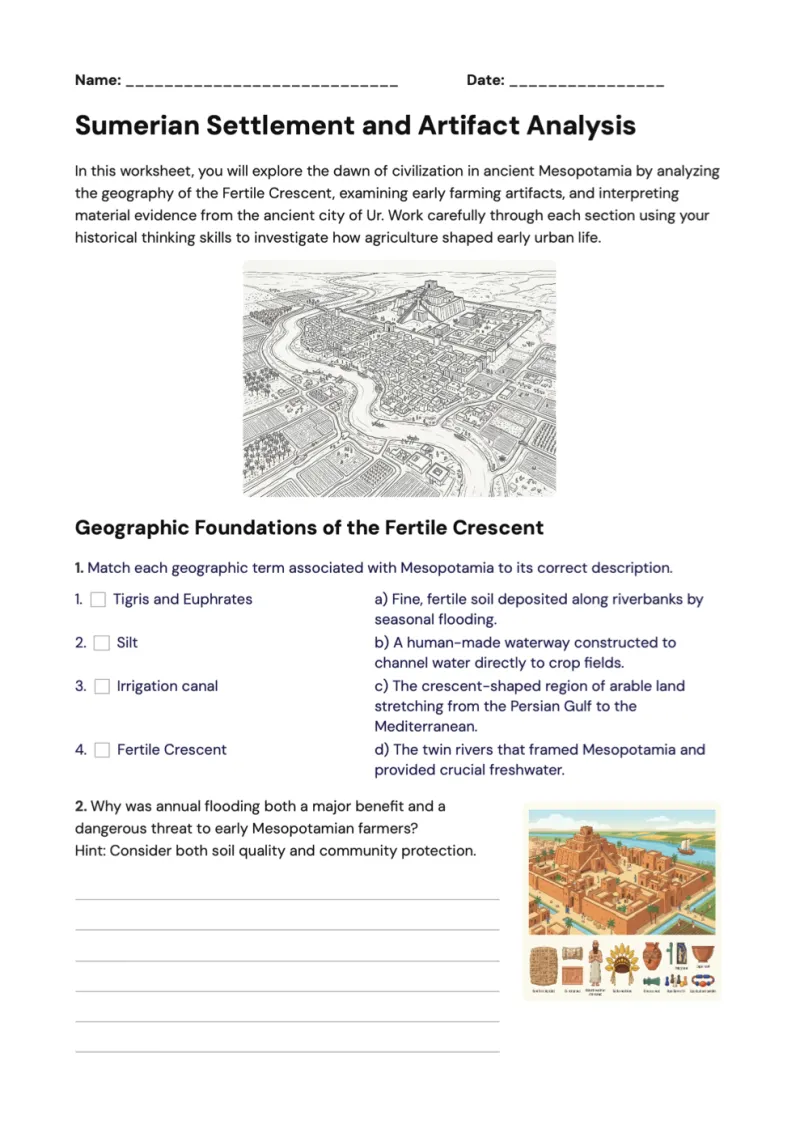
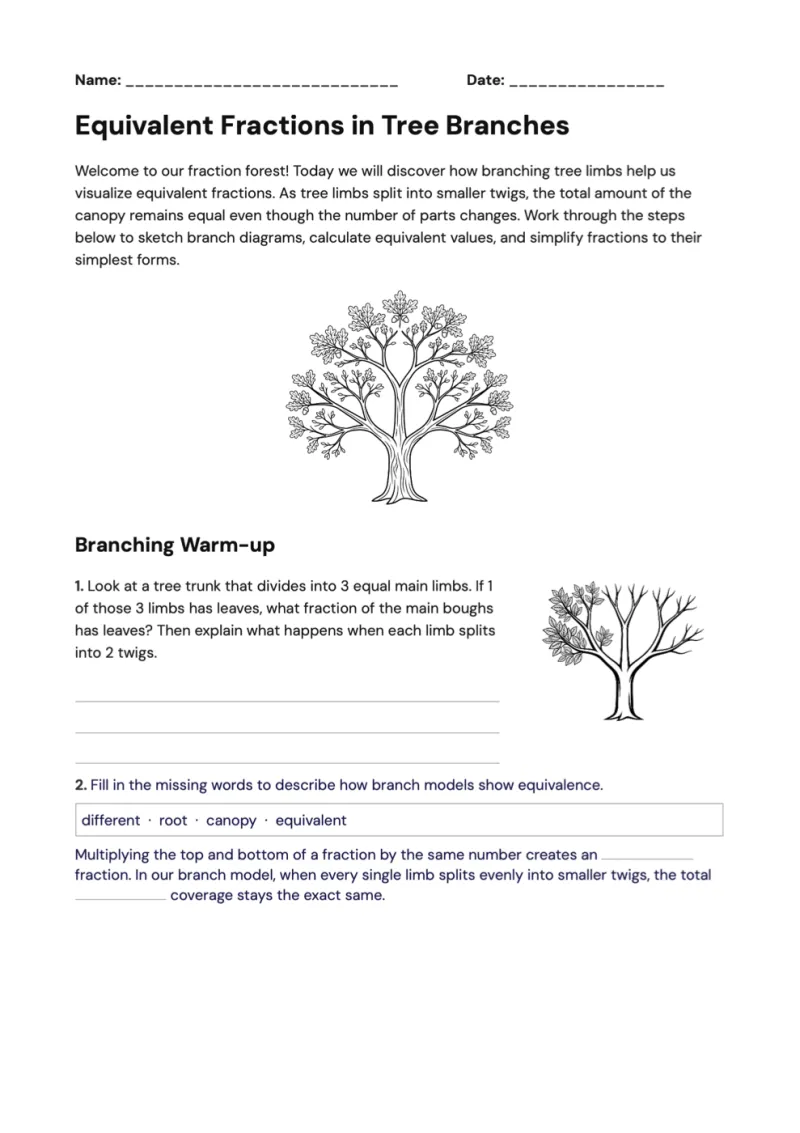
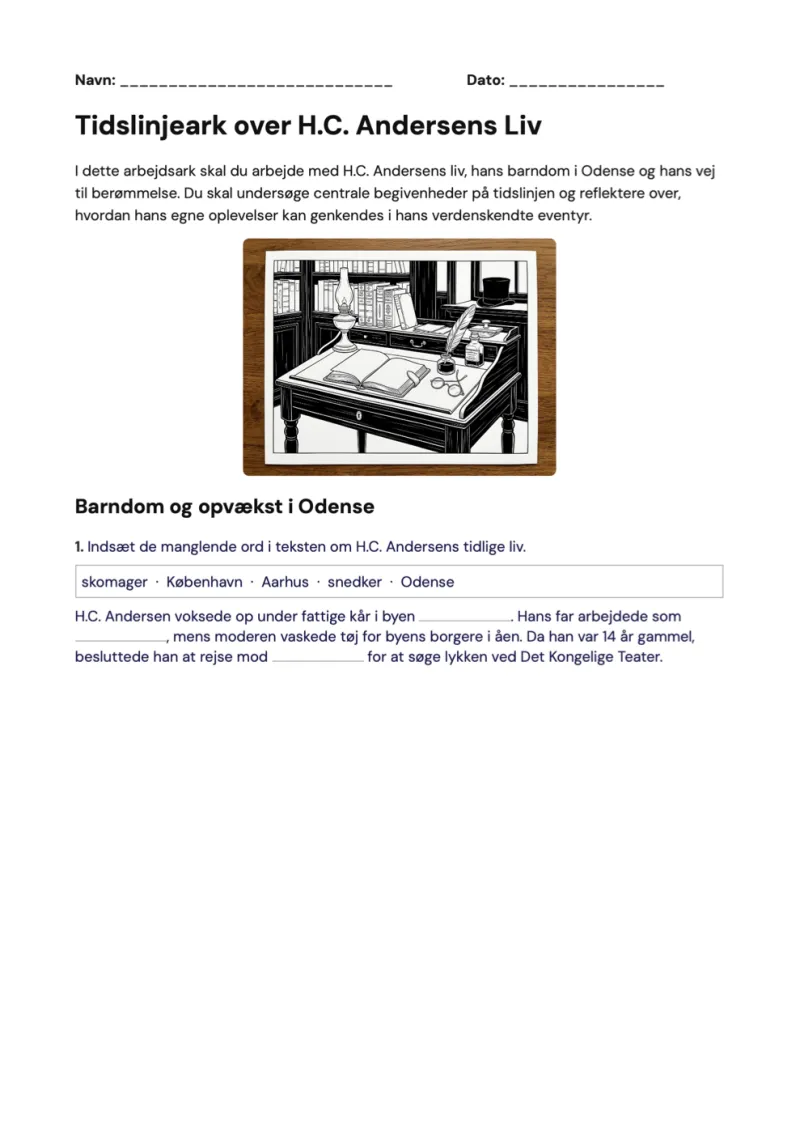
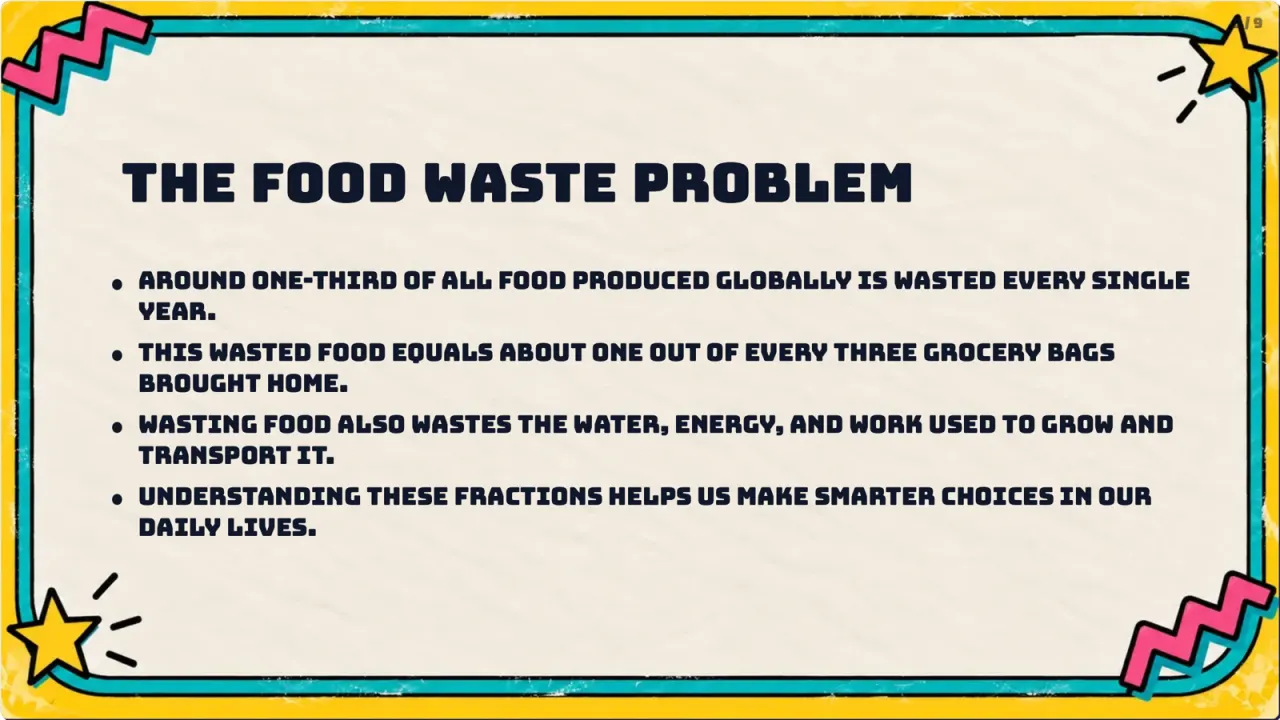

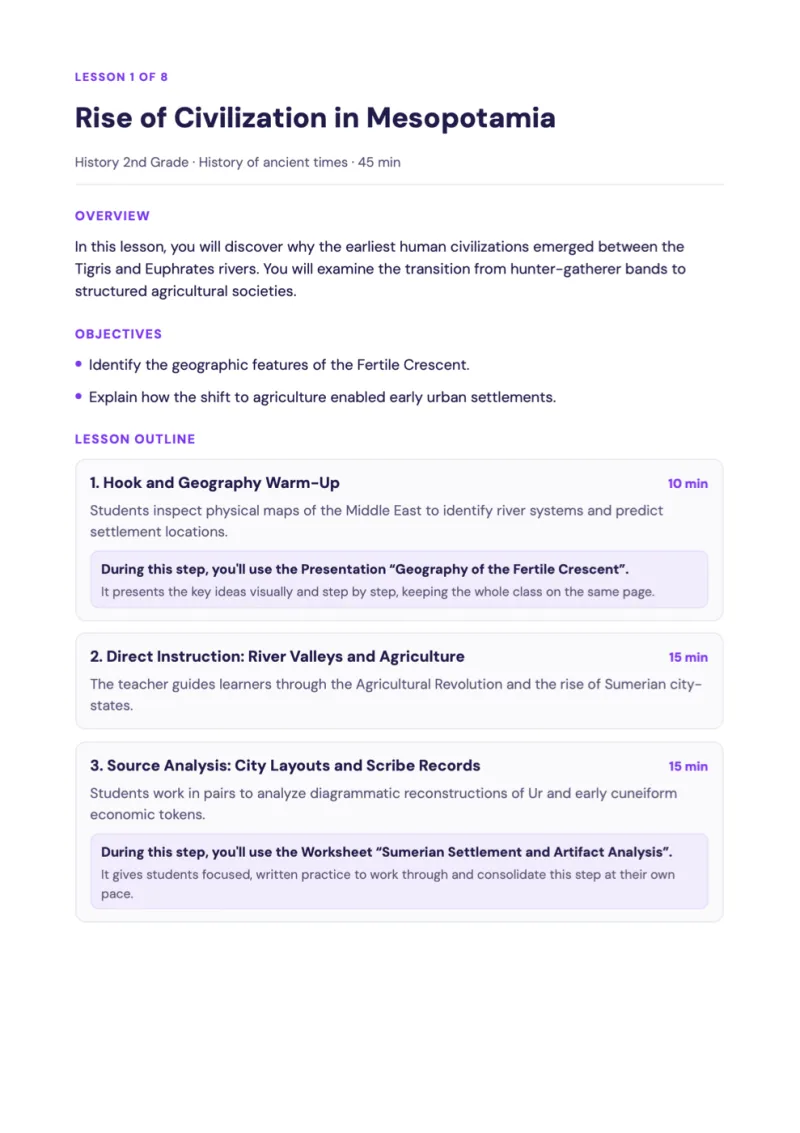
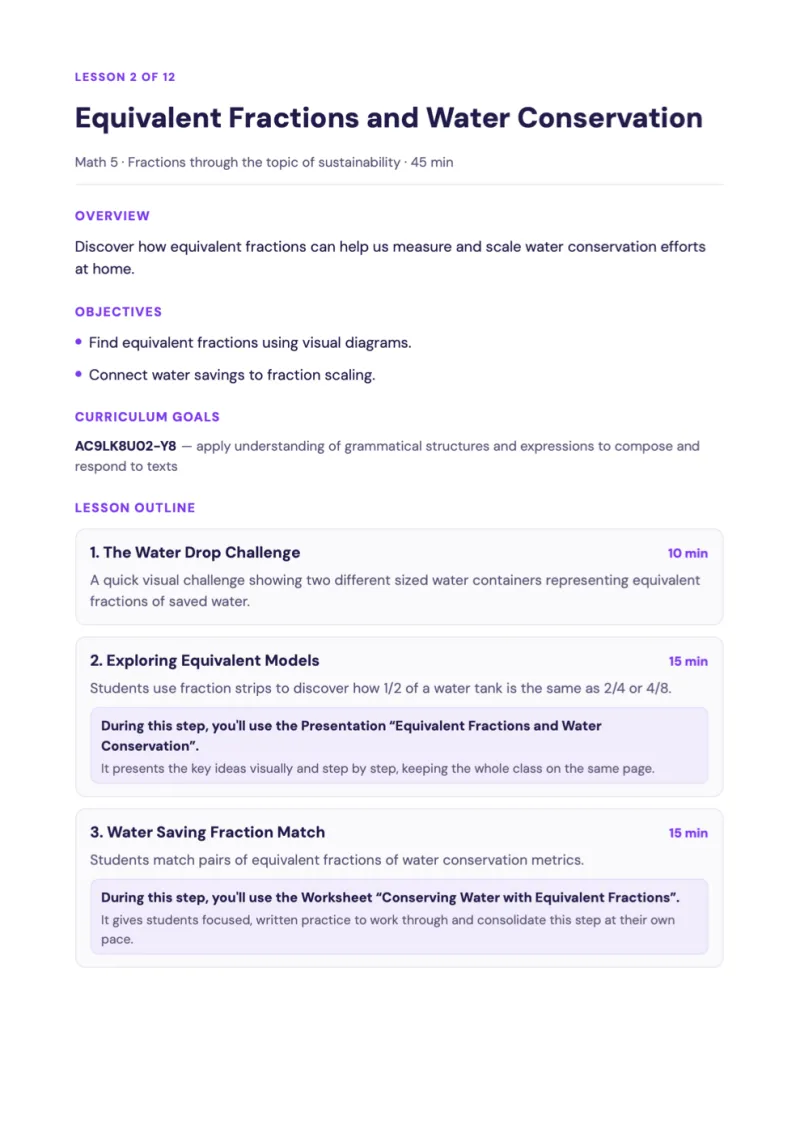
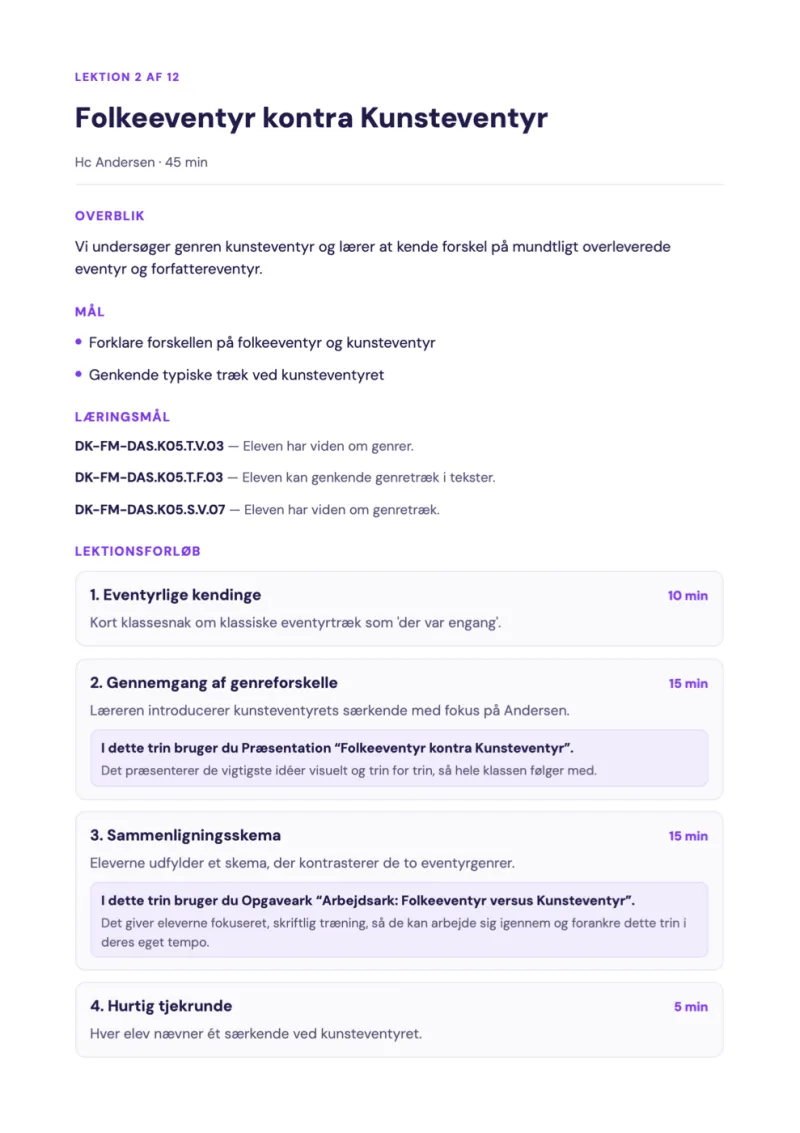
Get 5+ hours of your week back
Free for individual teachers. Every tool, aligned to your national curriculum.
Join our Discord community
Want to be on top of updates and talk to us in real time? Join our Discord community.
Join Discord communityBecome a GradeAid Ambassador
Three months free, then three months at half price — plus 50 trials to hand out to colleagues.
Become an Ambassador