Ready-to-teach PowerPoint slides, generated from your lesson
Turn any lesson plan into a polished, curriculum-aligned slide deck in minutes. Add activities to any slide, then export straight to PowerPoint or PDF.
- Slides from your plan
- Add activities to any slide
- Export to PowerPoint or PDF
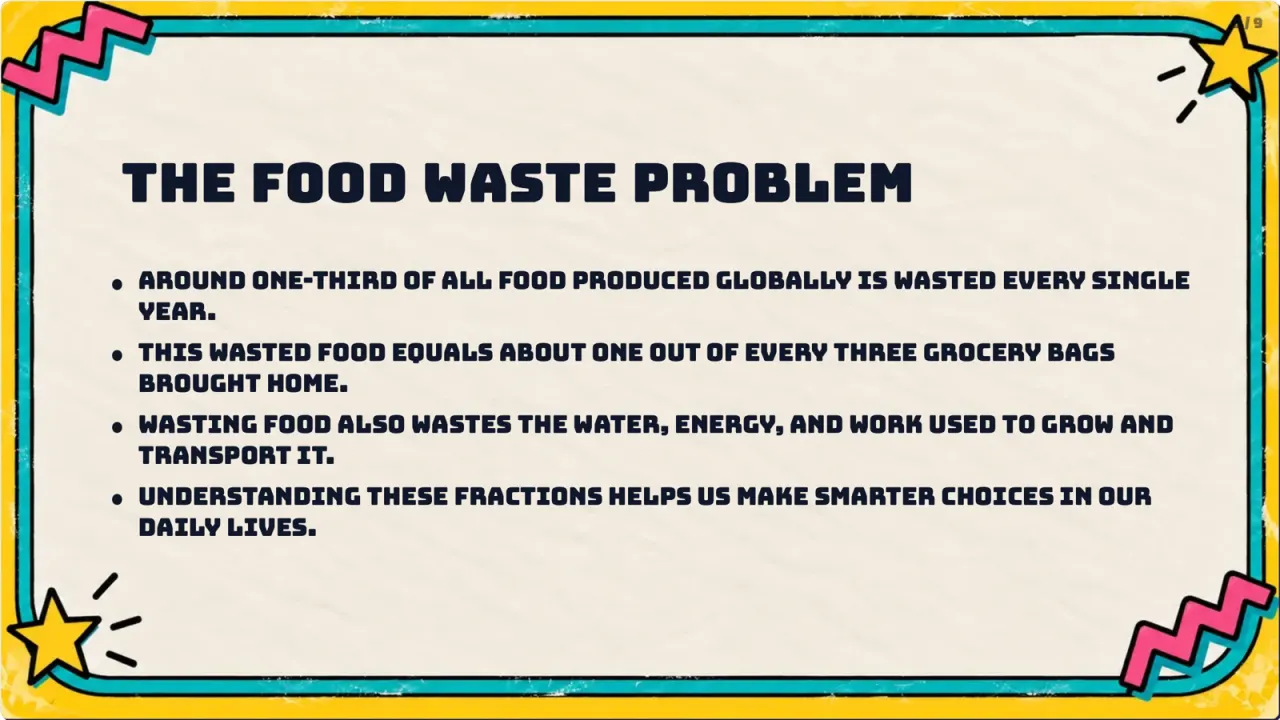
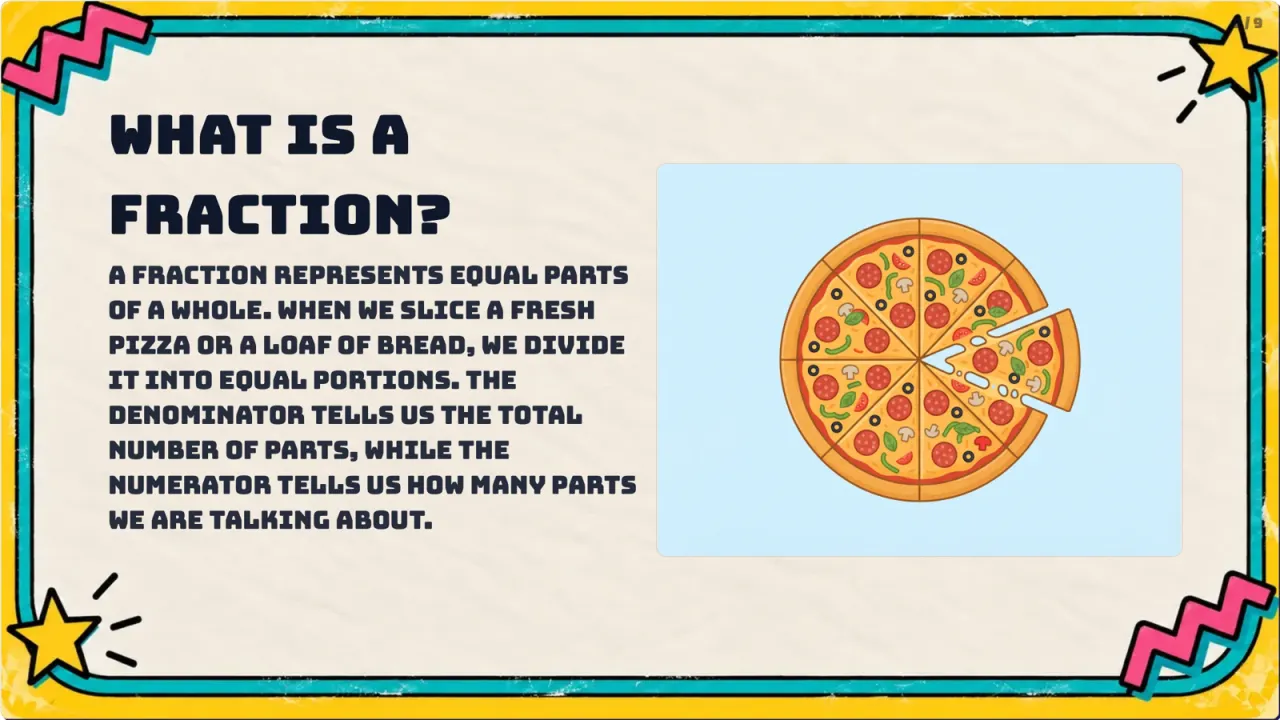
What you get
A complete, editable slide deck aligned to your curriculum — an opening and objectives, clear explanations with examples and visuals, and any activities you added. It's yours to edit, and you can export it to PowerPoint (PPTX) or PDF, so it works whether you present from GradeAid, Google Slides or a projector with no internet.
Start freeSlides from your plan
Every deck is built from your lesson plan and curriculum, so the content is right the moment it appears.
Add activities to any slide
Drop in quizzes, open-ended questions, discussions and more to keep the whole class engaged.
Export to PowerPoint or PDF
Own your slides. Export to PPTX or PDF and present anywhere, online or in class.
From a topic to a ready-to-teach deck
- 1
Pick a lesson or type a topic and grade
Start from a lesson plan you've made in GradeAid, or just type the topic and level you're teaching.
- 2
GradeAid builds the deck
You get a structured, curriculum-aligned slide deck — title, objectives, explanations, examples and visuals — in seconds.
- 3
Add activities to any slide
Drop in a quiz, an open-ended question or a discussion prompt wherever you want the class to participate.
- 4
Edit, then export
Tweak the wording and order to your style, then export to PowerPoint (PPTX) or PDF and present anywhere.
Change it on the spot with Aidly
Aidly is our AI chat tutor for teachers. Ask in plain words and it changes the material you have open, right where you're working — and you can undo any change.
Meet AidlyAsk me to add, change, move or delete elements. Cmd+Z undoes.
Add a summary slide at the end
Shorten the bullets on slide 3
Insert a quiz activity after slide 4
Built for every lesson you teach
Start from a topic or an existing lesson plan — the deck comes back ready to teach.
Maths, ages 6–12
Turn a fractions, place-value or geometry topic into a visual deck with worked examples and a check-for-understanding slide you answer as a class.
Science, ages 11–16
Build a deck for photosynthesis, forces or the periodic table with clear diagrams, key vocabulary and a mid-lesson quiz slide.
Languages & reading
Create discussion-led slides with open-ended prompts, images and sentence starters for reading comprehension or a new language.
History & humanities
Present a topic with source images, timelines and prompts that get students talking — then export it to teach from anywhere.
Revision & recap
Generate a recap deck from a unit you've already taught and drop in a quiz to see what stuck before you move on.
Cover & shared lessons
Hand a colleague a complete, on-curriculum deck so a cover lesson runs the same as if you were in the room.
Frequently asked questions
Find answers about plans, features and using GradeAid.
It's a tool that turns a lesson or topic into a ready-to-teach slide deck automatically. GradeAid builds curriculum-aligned presentations you can edit and export.
Yes. Every presentation can be exported to PowerPoint (PPTX) or PDF, so you own the file and can present anywhere.
Yes. Presentations are generated from your lesson plan and national curriculum, so the content matches what you're teaching.
You can add activities — quizzes, open-ended questions, discussions and more — to any slide to keep students engaged.
Explore more GradeAid tools
Everything else in your teaching toolkit, one click away.
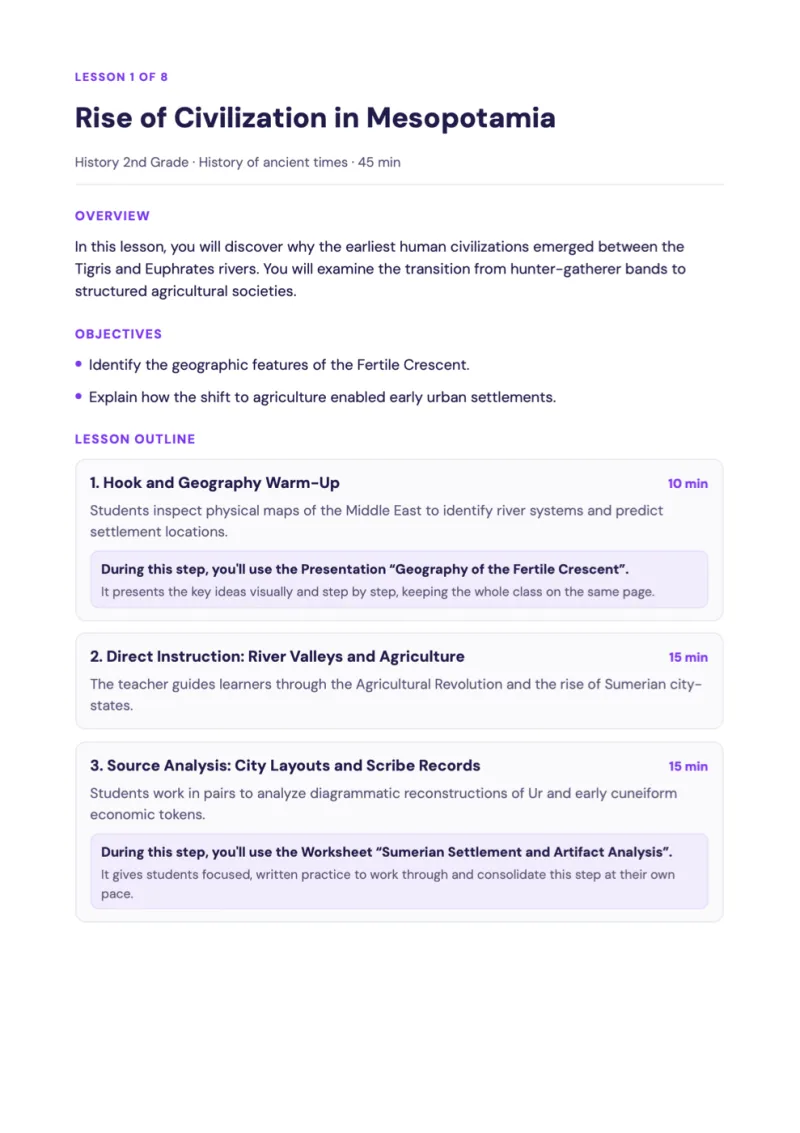
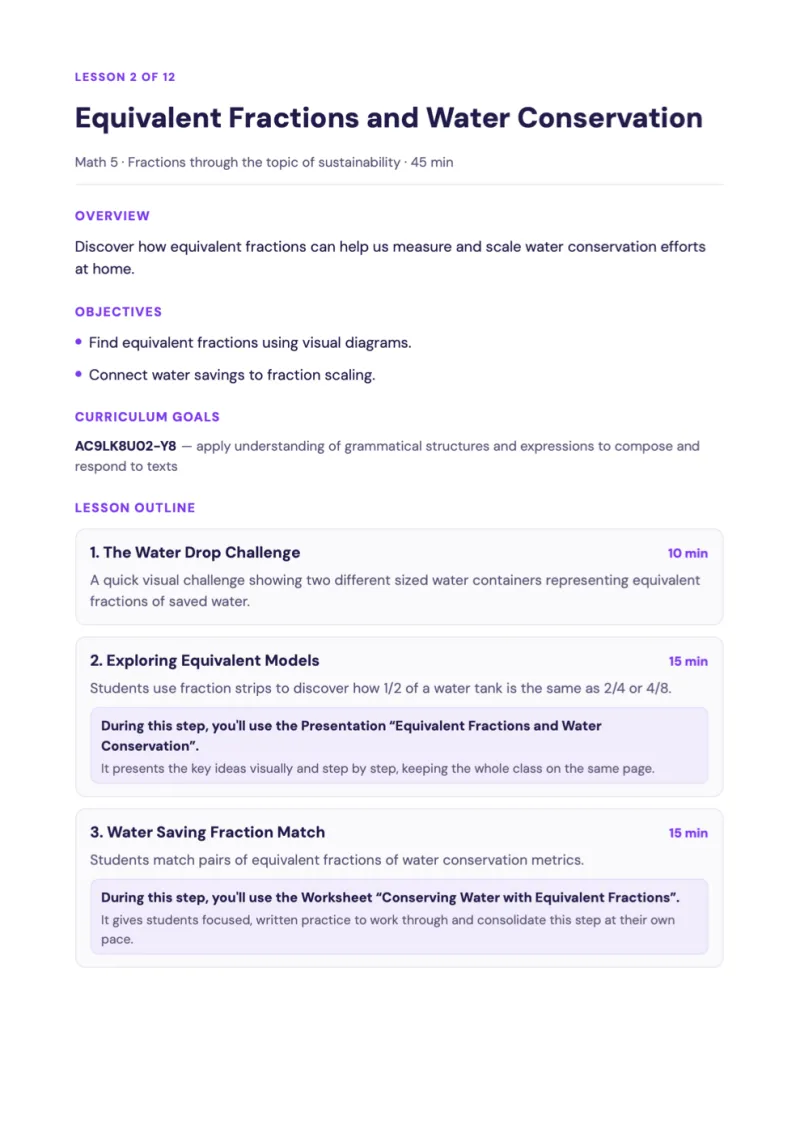
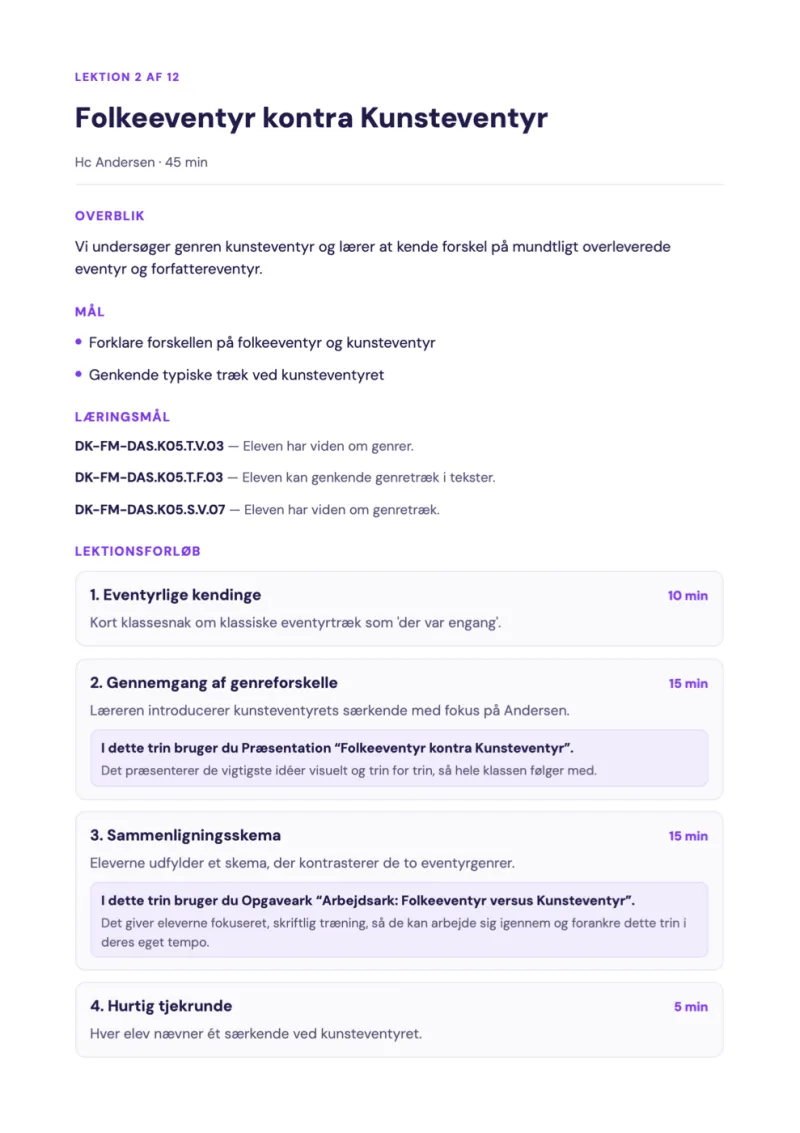
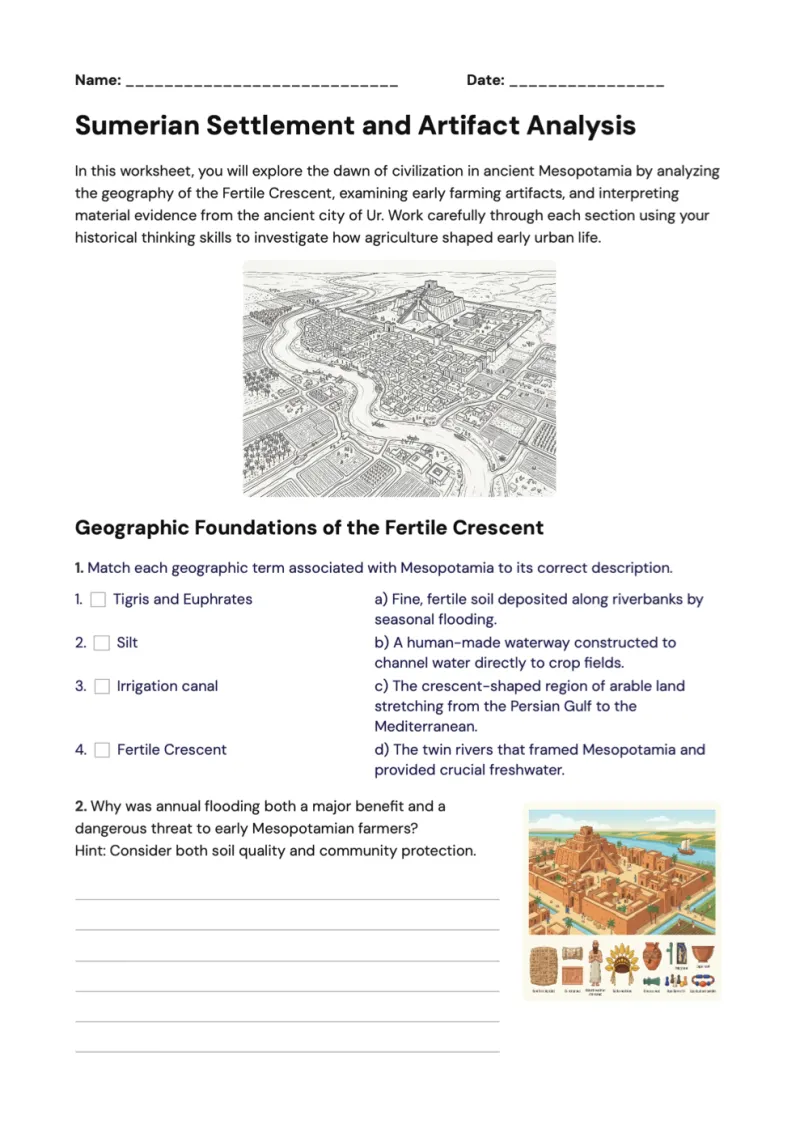
Get 5+ hours of your week back
Free for individual teachers. Every tool, aligned to your national curriculum.
Join our Discord community
Want to be on top of updates and talk to us in real time? Join our Discord community.
Join Discord communityBecome a GradeAid Ambassador
Three months free, then three months at half price — plus 50 trials to hand out to colleagues.
Become an Ambassador