Create a class, add your students, collect their work
Set up a class in seconds and add your students. Send worksheets and quizzes straight to them as homework — students complete the work in their own profile and submit it, and you see who's done what in one place.
- Create a class, add your students
- Send work and collect submissions
- See who's done what, at a glance
Key features
Start freeCreate a class, add your students
Set up a class in a couple of clicks and add your students. Each one gets their own profile, so the right work reaches the right child.
Send work and collect submissions
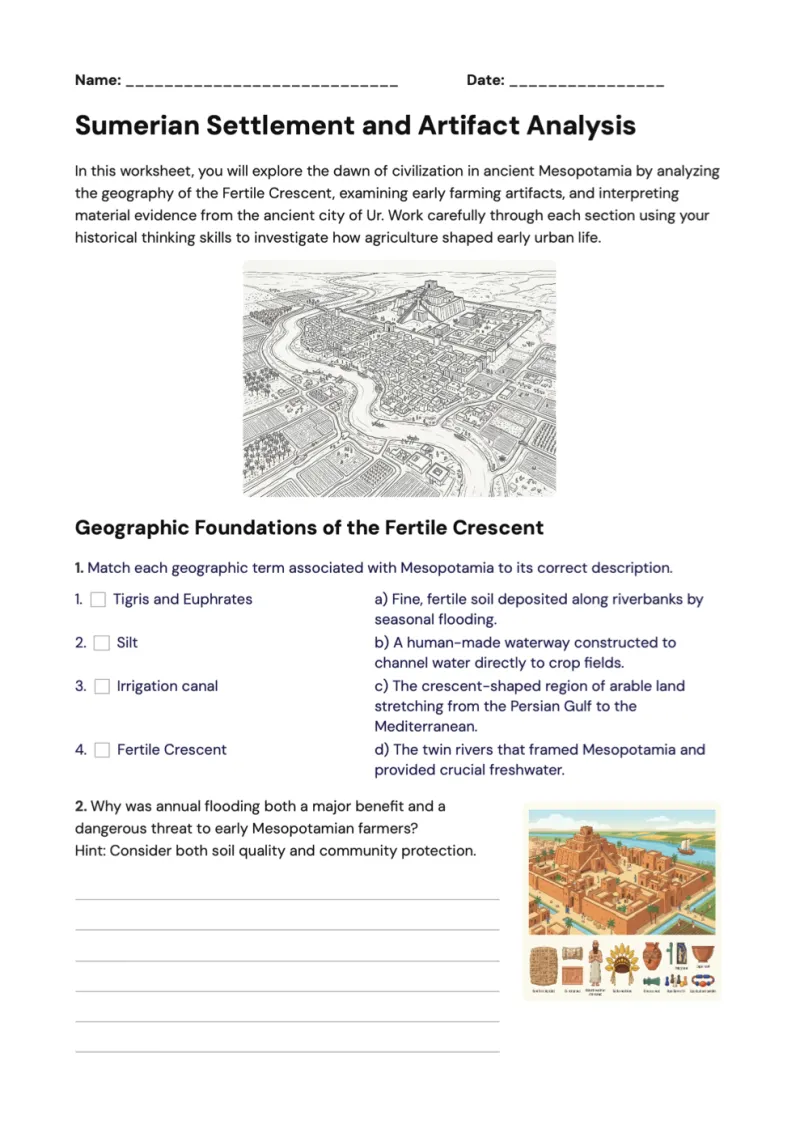
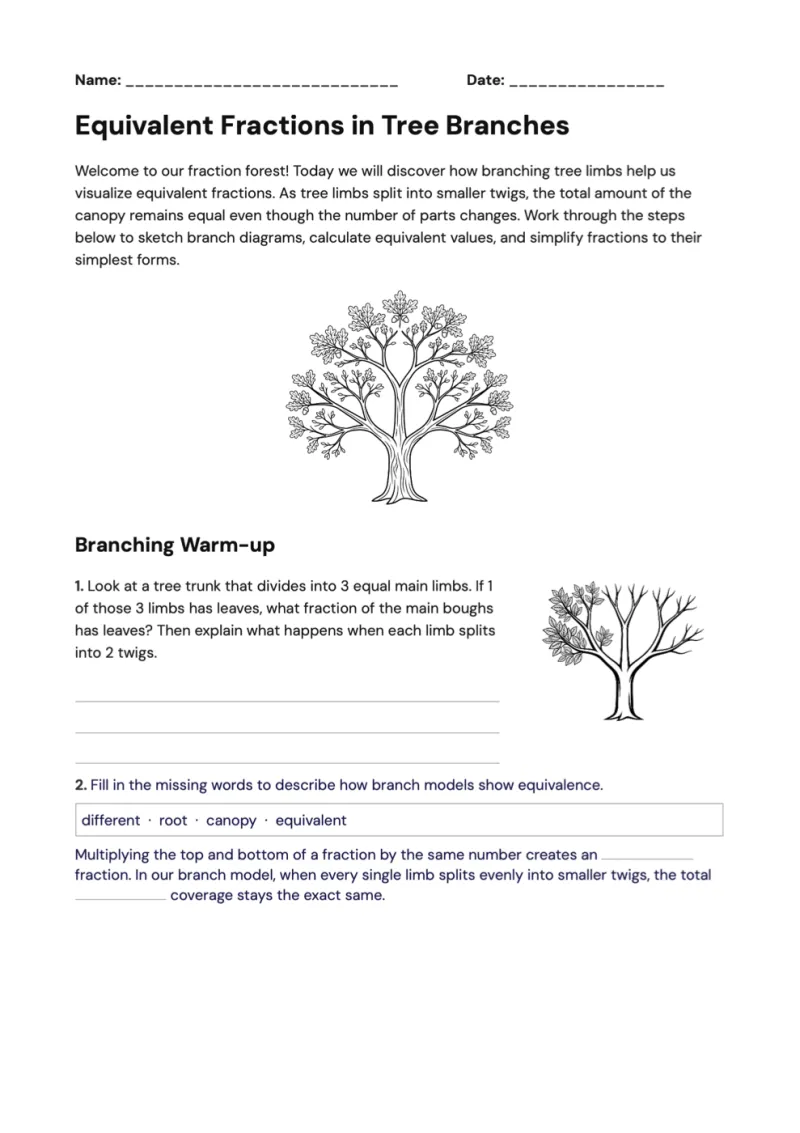
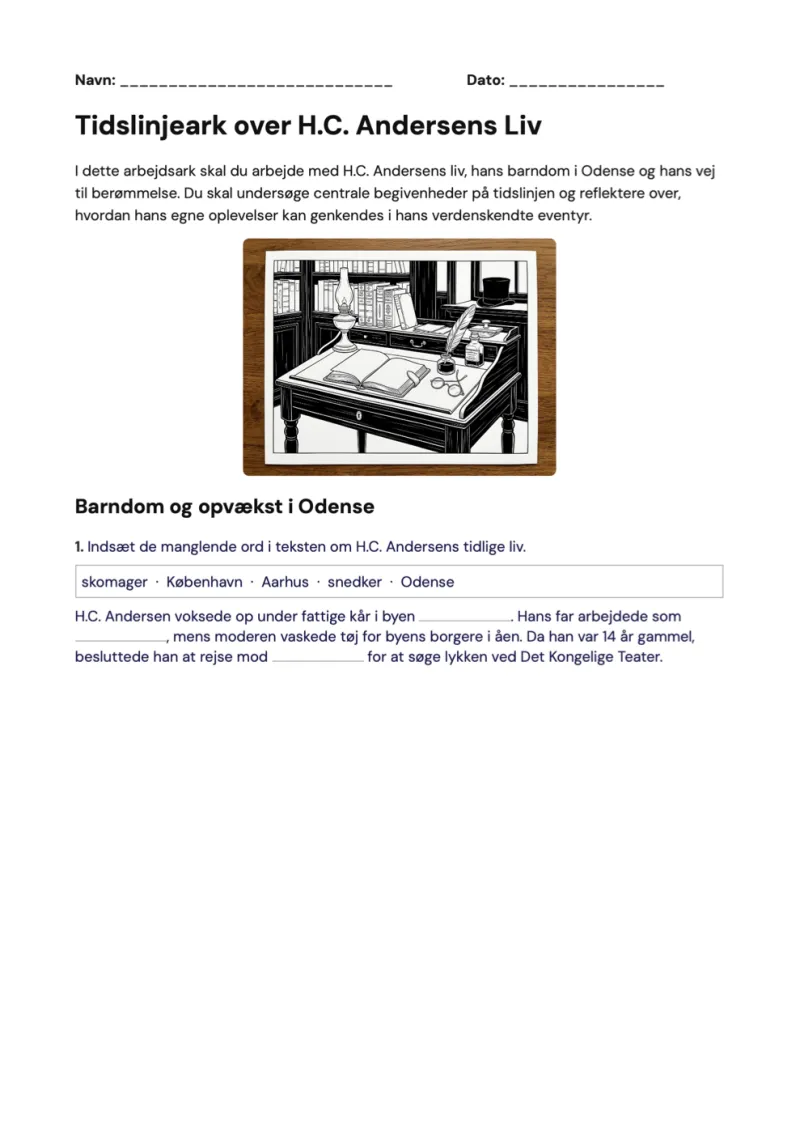
Assign worksheets and quizzes to the class as homework. Students complete them in their profile and submit — no paper to chase, no email attachments.
See who's done what, at a glance
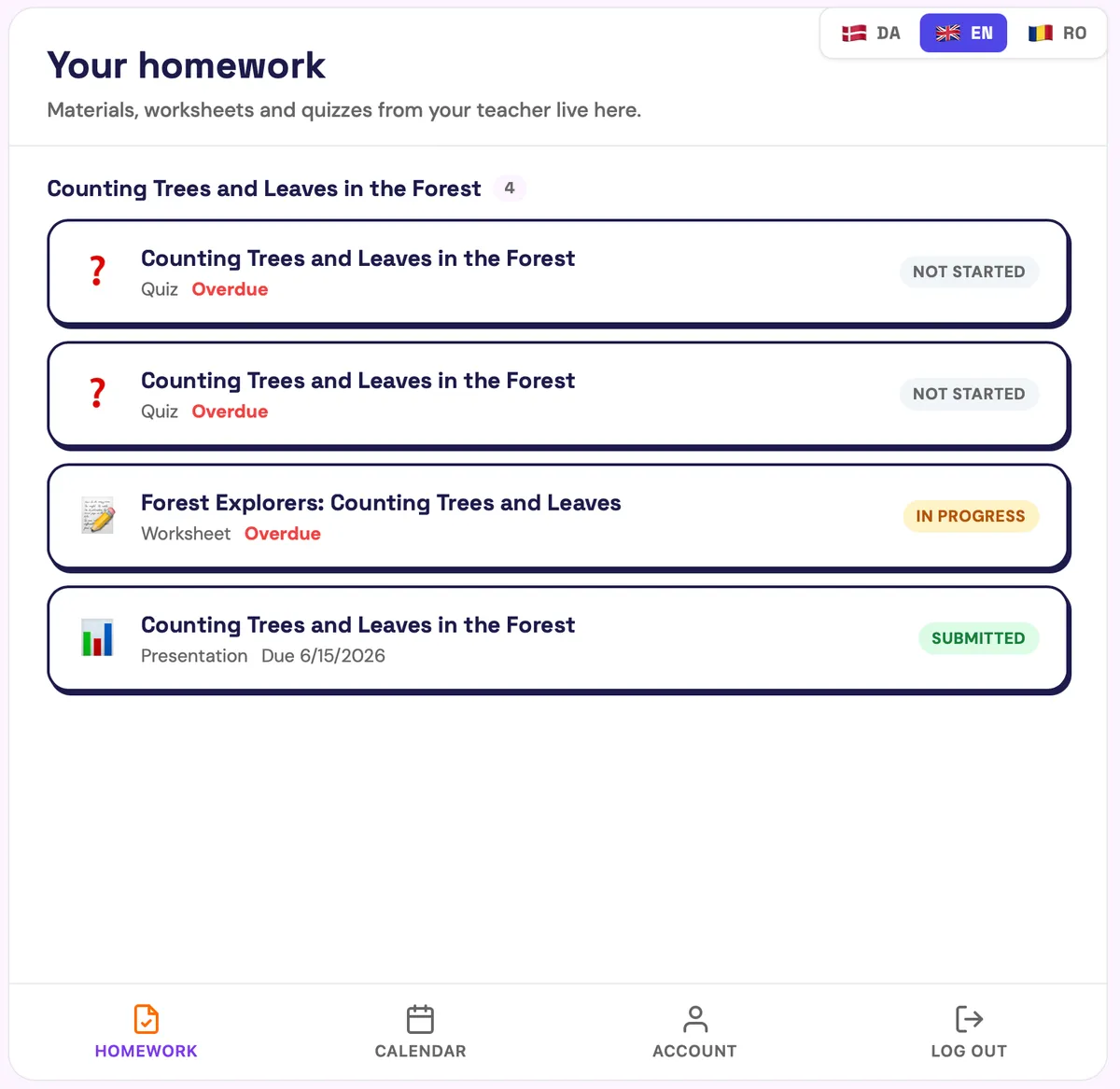
Track every submission from one class view — who's submitted, who's still working and who hasn't started — so you can follow up in seconds.
How Classes & Submissions works
From idea to classroom-ready in three steps.
- 1
Create a class
Name your class and add your students — each gets their own student profile.
- 2
Assign work
Send worksheets and quizzes to the whole class or to individual students as homework.
- 3
Collect & review
Students submit from their profile; you review submissions and track progress in one place.
Change it on the spot with Aidly
Aidly is our AI chat tutor for teachers. Ask in plain words and it changes the material you have open, right where you're working — and you can undo any change.
Meet AidlyI can create lesson plans, worksheets, quizzes, projects and presentations for you.
Make a fractions worksheet for 4th grade with 6 tasks
Plan 4 weeks of English on fairy tales for 3B
Make a 10-question quiz on photosynthesis
Frequently asked questions
Find answers about plans, features and using GradeAid.
Each student has their own profile in GradeAid. They open the worksheet or quiz you assigned, complete it and submit — it appears in your class view straight away.
Create a class and add your students to it; each student gets their own profile. You can then assign work to the whole class or to individual students.
Yes. Your class view shows submission status for every student — submitted, in progress or not started — so you can follow up quickly and spot who needs help.
Yes. Individual teachers can create classes and collect submissions for free. School plans add centrally managed student accounts, admin controls and shared licenses.
Explore more GradeAid tools
Everything else in your teaching toolkit, one click away.
Get 5+ hours of your week back
Free for individual teachers. Every tool, aligned to your national curriculum.
Join our Discord community
Want to be on top of updates and talk to us in real time? Join our Discord community.
Join Discord communityBecome a GradeAid Ambassador
Three months free, then three months at half price — plus 50 trials to hand out to colleagues.
Become an Ambassador